6 min read • 1,175 words
If you’ve ever wondered why your old laptop feels slower every single month, you’re not alone. Many users experience a gradual decline in performance as their devices age. This phenomenon can be attributed to several factors, including software updates that demand more resources than your older hardware can provide. As applications evolve, they often require more processing power and memory, leaving your old laptop slow and struggling to keep up with the latest demands.
In addition to software challenges, the accumulation of temporary files and bloatware can significantly impact your laptop’s performance. These unwanted programs and files consume valuable disk space and memory, further contributing to the sluggishness. Moreover, older laptops may find it increasingly difficult to run newer applications that are designed for more powerful hardware. Other factors, such as hard drive fragmentation and battery wear, can also lead to decreased performance, making it essential to understand why your old laptop feels like it’s dragging its feet.
Understanding Hardware Limitations
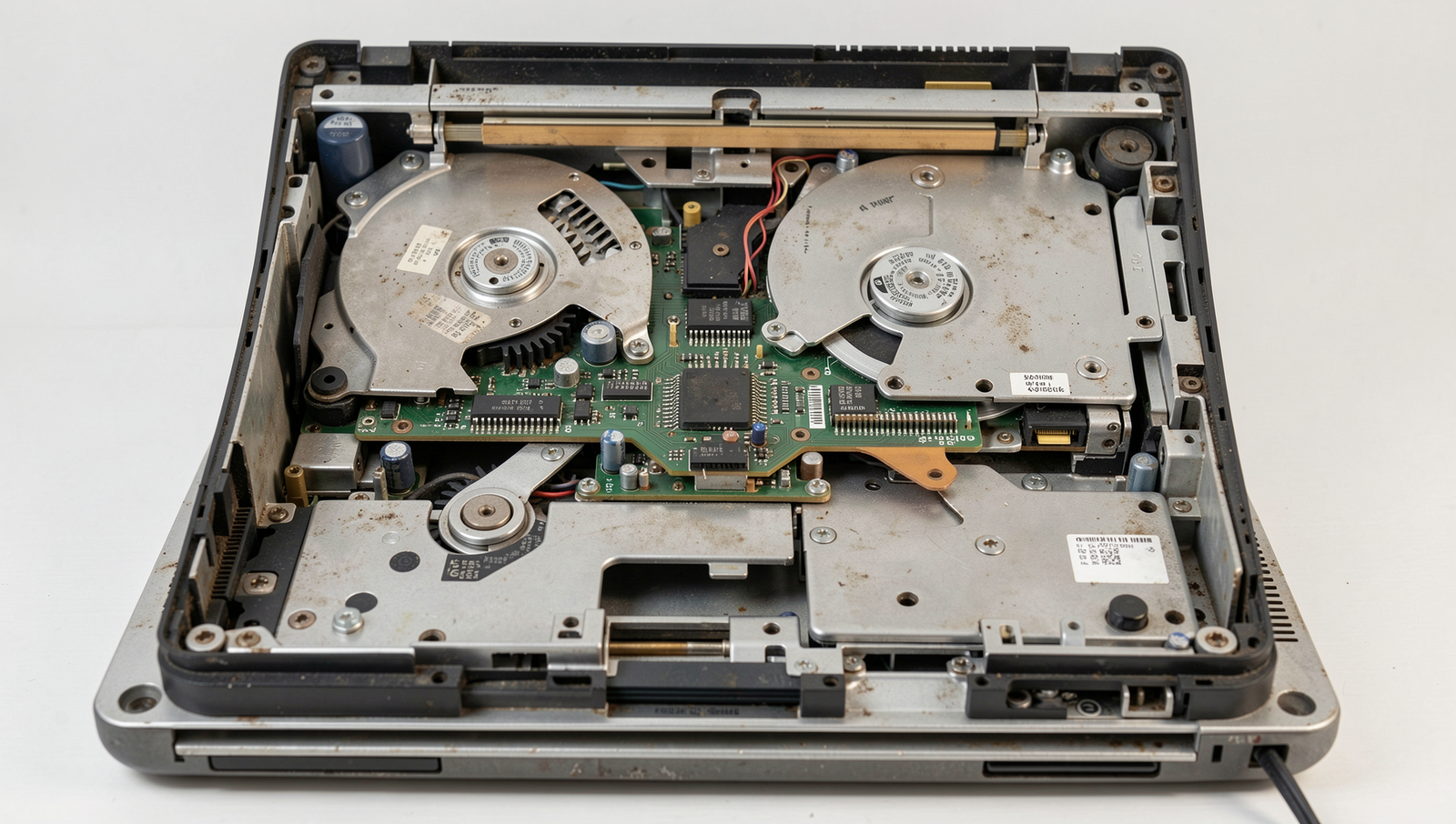
One of the primary reasons your old laptop feels slower every single month is its outdated processor. Modern software applications are designed to leverage advanced processing capabilities, which can leave older processors struggling to keep up. For example, if your laptop has a dual-core processor from several years ago, it may find it challenging to run the latest versions of software that require multi-core processing.
Another significant factor is the limited RAM capacity in older laptops. As applications become more resource-intensive, they demand more memory to operate efficiently. If your old laptop has only 4GB of RAM, you may notice slow performance when running multiple applications simultaneously or even when using a single, resource-heavy application like video editing software.
- Outdated processors can lead to lag during multitasking.
- Limited RAM results in frequent application crashes or freezes.
- Hard drive speed plays a crucial role in overall performance.
Speaking of hard drives, the difference between traditional hard disk drives (HDD) and solid-state drives (SSD) is significant. An old laptop with an HDD will have slower read and write speeds compared to a newer model equipped with an SSD. This can lead to longer boot times and sluggish application launches, making your old laptop feel even slower.
Software Bloat and Updates
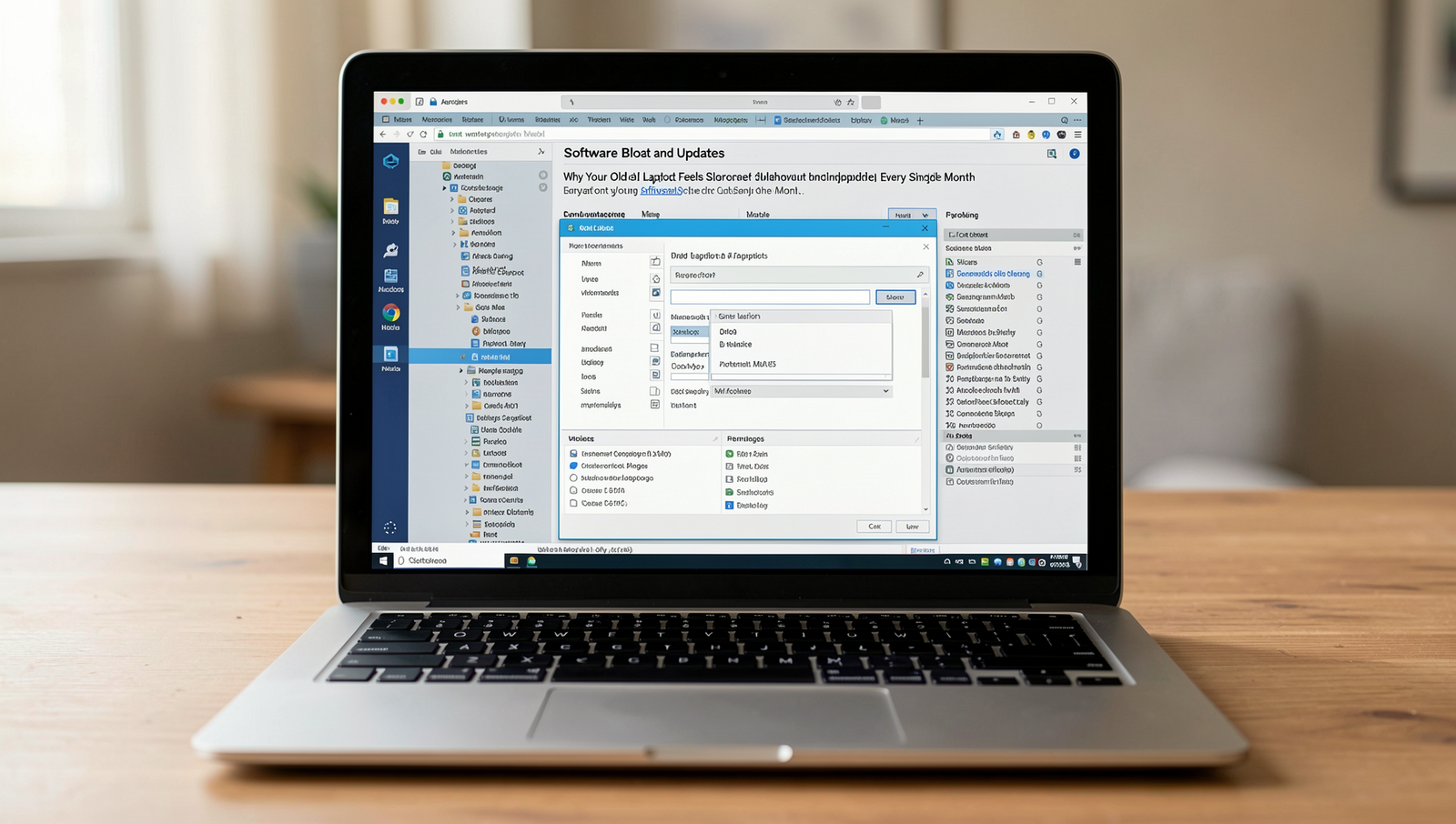
One of the primary reasons your old laptop feels slower every single month is the constant updates to the operating system. While these updates are essential for security and functionality, they often require more resources than older hardware can provide. For instance, an update that adds new features may demand additional RAM and processing power, which can significantly hinder the performance of an aging device.
Moreover, many laptops come pre-installed with software that runs in the background, consuming valuable system resources. This bloatware can include trial versions of software, manufacturer utilities, and other applications that you may never use. Over time, these applications can accumulate and contribute to the sluggishness of your old laptop.
- Background applications like cloud storage services can use up memory.
- Antivirus programs may run scans that slow down performance.
- System updates can introduce new features that require more resources.
Additionally, web browsers are notorious for accumulating extensions and cache over time. Each extension you add can consume memory and processing power, making your browsing experience less efficient. Regularly clearing your browser cache and disabling unnecessary extensions can help mitigate this issue.
To keep your old laptop running smoothly, consider the following steps:
- Uninstall unused applications and bloatware.
- Limit the number of browser extensions you use.
- Regularly update your operating system while being mindful of resource requirements.
By managing software bloat and updates effectively, you can help alleviate some of the performance issues associated with an old laptop slow experience.
User Habits and Maintenance
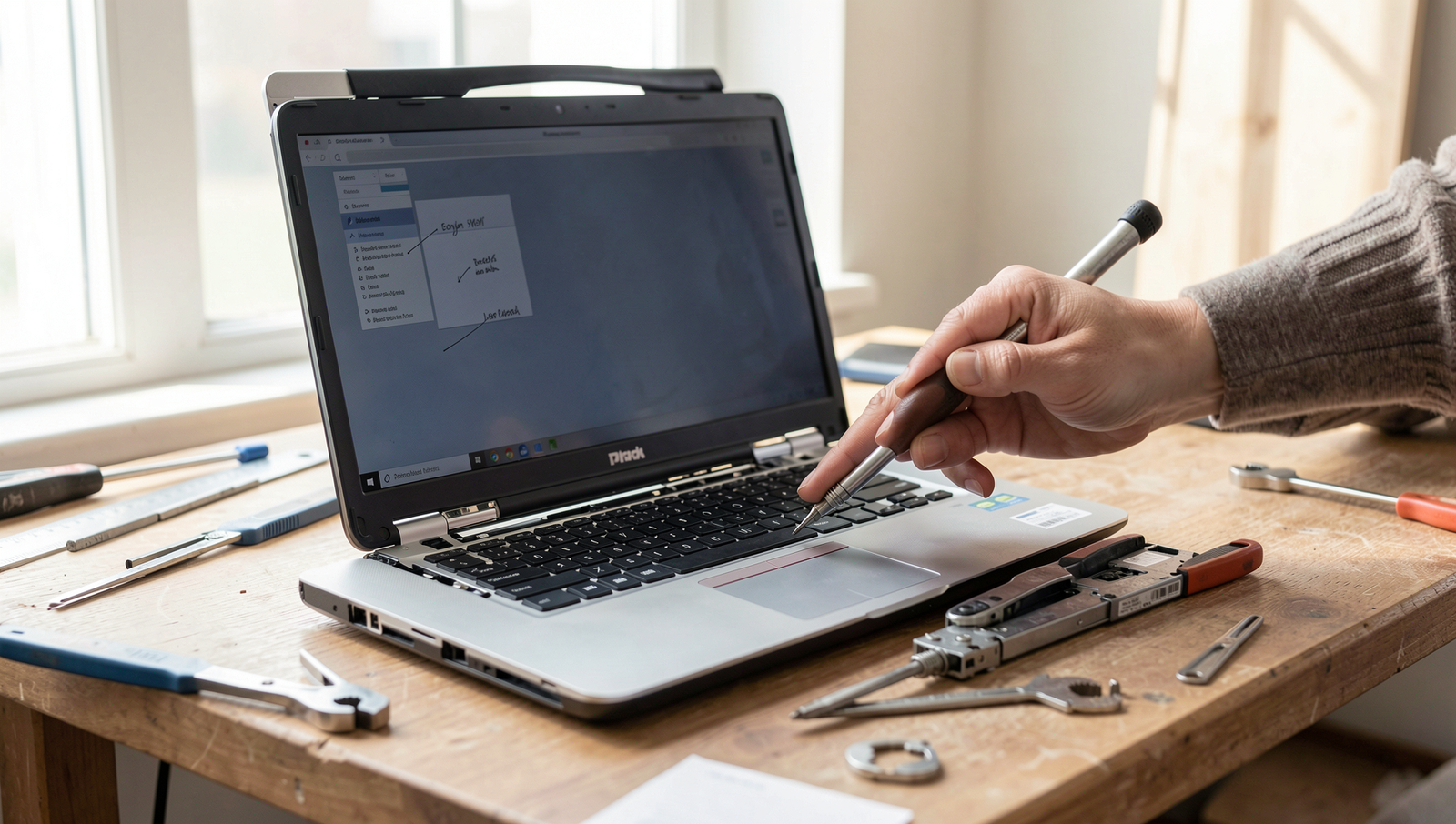
One of the primary reasons your old laptop feels slower every single month is the neglect of regular maintenance tasks. Over time, accumulated files and data can clutter your system, leading to decreased performance. For instance, failing to perform a disk cleanup can leave unnecessary files taking up valuable space. To address this, you can use the built-in disk cleanup tool in your operating system. Simply run the following command:
cleanmgrAdditionally, if you’re using a traditional hard drive, not defragmenting it can lead to fragmented files, which slows down access times. You can defragment your drive by executing:
defrag C:Another common issue is running too many applications simultaneously. Each application consumes system resources, and when you overload your old laptop with multiple programs, it can become overwhelmed. For example, if you have a web browser, a video player, and a word processor open at the same time, your laptop may struggle to keep up.
Moreover, failing to uninstall unused programs can also contribute to your old laptop’s slow performance. Unused applications not only take up disk space but can also run background processes that consume memory. To uninstall programs, you can navigate to your system settings or use the following command:
appwiz.cplIn summary, regular maintenance, managing running applications, and uninstalling unnecessary software are crucial steps to keep your old laptop running smoothly.
Conclusion
In summary, an old laptop slow performance can be attributed to various factors, including software bloat, outdated hardware, and accumulated digital clutter. As time goes on, these issues can compound, leading to a frustrating user experience. Regular maintenance, such as uninstalling unnecessary programs and upgrading hardware components, can help mitigate these slowdowns.
Ultimately, understanding the reasons behind your old laptop’s sluggishness is the first step toward improving its performance. By taking proactive measures, you can breathe new life into your device and extend its usability, ensuring that it continues to meet your needs for as long as possible.
Frequently Asked Questions
Why does my old laptop feel slower over time?
Over time, laptops can feel slower due to various factors such as software updates that require more resources, accumulation of unnecessary files, and potential hardware wear and tear. Background processes and applications can also consume more memory and processing power, leading to a sluggish experience.
Can I speed up my old laptop?
Yes, there are several ways to speed up your old laptop. You can start by uninstalling unused programs, cleaning up your hard drive, upgrading your RAM, or replacing your hard drive with a solid-state drive (SSD). Additionally, regularly updating your operating system and drivers can help improve performance.
Is it normal for laptops to slow down?
Yes, it is normal for laptops to slow down over time. As software becomes more demanding and hardware ages, performance can decline. However, with proper maintenance and upgrades, you can mitigate this slowdown and extend the life of your laptop.
What are some signs that my laptop is slowing down?
Common signs of a slowing laptop include longer boot times, slow application launches, frequent freezing or crashing, and a general lag when performing tasks. If you notice these issues, it may be time to consider optimization or upgrades.