
6 min read • 1,218 words
When it comes to purchasing a laptop, many consumers fall into common traps that can lead to significant financial waste. Understanding the laptop buying mistakes that often go unnoticed is crucial for making an informed decision. From overlooking the total cost of ownership, which includes essential accessories and software, to neglecting the importance of battery life tailored to your specific usage needs, these missteps can add up quickly, leaving you with a product that doesn’t meet your expectations.
Additionally, many buyers fail to consider warranty and support options, which can result in unexpected repair costs down the line. Relying solely on brand reputation rather than diving into the specifications can lead to dissatisfaction with your purchase. Furthermore, not checking for upgrade options may limit your laptop’s performance in the future. By being aware of these laptop buying mistakes, you can make a more strategic investment that aligns with your needs and budget.
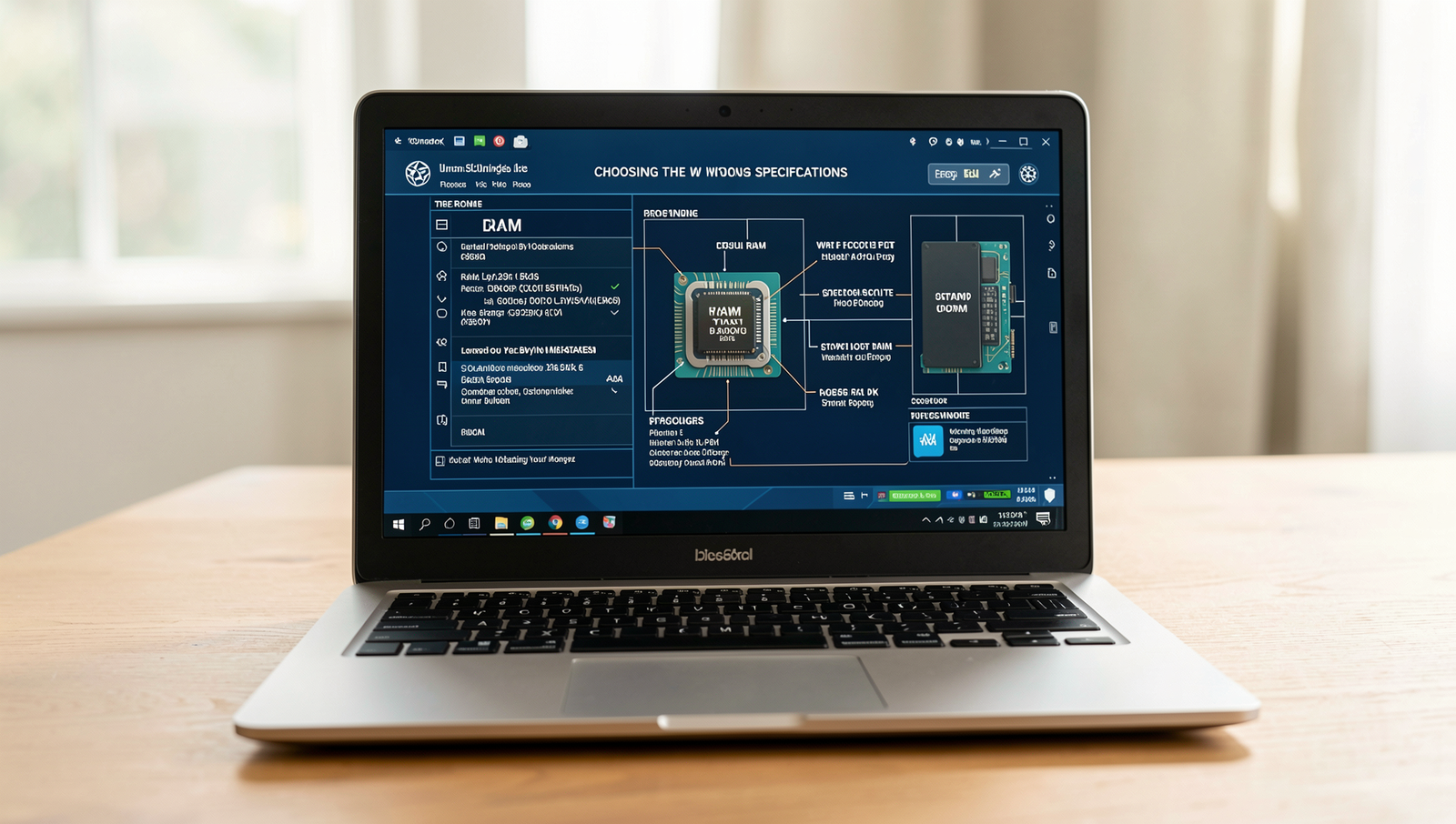
Choosing the Wrong Specifications
One of the most common laptop buying mistakes is not understanding the difference between RAM and storage capacity. RAM (Random Access Memory) is crucial for multitasking and running applications smoothly, while storage capacity refers to how much data you can store on your device. For example, a laptop with 8GB of RAM and a 256GB SSD may perform better for everyday tasks than one with 16GB of RAM but a slower HDD with 1TB of storage.
Another mistake is overlooking the importance of a dedicated graphics card, especially for gaming or design work. Integrated graphics may suffice for basic tasks, but a dedicated GPU can significantly enhance performance in graphics-intensive applications. For instance, a laptop with an NVIDIA GeForce GTX 1650 will provide a much better gaming experience than one with integrated graphics.
Additionally, ignoring processor speed and generation can lead to poor performance. Newer processors, such as Intel’s 11th generation, offer better efficiency and speed compared to older models. When comparing laptops, always check the processor specifications to ensure you’re getting the best performance for your needs.
- Understand RAM vs. Storage: 8GB RAM vs. 256GB SSD vs. 16GB RAM vs. 1TB HDD
- Consider a dedicated graphics card for gaming: NVIDIA GeForce GTX 1650 vs. integrated graphics
- Check processor speed and generation: Intel 11th gen vs. older models
By being aware of these laptop buying mistakes, you can make a more informed decision and avoid overspending on a device that doesn’t meet your needs.

Neglecting Future Needs
One of the most common laptop buying mistakes is purchasing a device that only meets your current requirements. While it may seem cost-effective in the short term, this approach can lead to frustration and additional expenses down the line. For instance, if you buy a laptop that barely runs your current software, you may find it inadequate for future applications that require more power.
Another critical aspect to consider is the longevity of software updates. Many users underestimate how long their operating system and applications will receive updates. A laptop that is on the lower end of specifications may become obsolete faster than expected, leaving you vulnerable to security risks and missing out on new features.
- Consider a laptop with a powerful processor and ample RAM to handle future software demands.
- Look for models that allow for easy upgrades, such as additional RAM or storage.
- Research the typical lifespan of software support for the operating system you choose.
Additionally, failing to account for potential upgrades or expansions can be a costly oversight. Many laptops come with limited upgrade options, which can restrict your ability to enhance performance as your needs evolve. For example, if you plan to use resource-intensive applications for graphic design or gaming, investing in a laptop with upgradeable components can save you money in the long run.
In conclusion, neglecting future needs is a significant pitfall in the laptop buying process. By considering the longevity of software updates, potential upgrades, and future software demands, you can make a more informed decision and avoid common laptop buying mistakes.
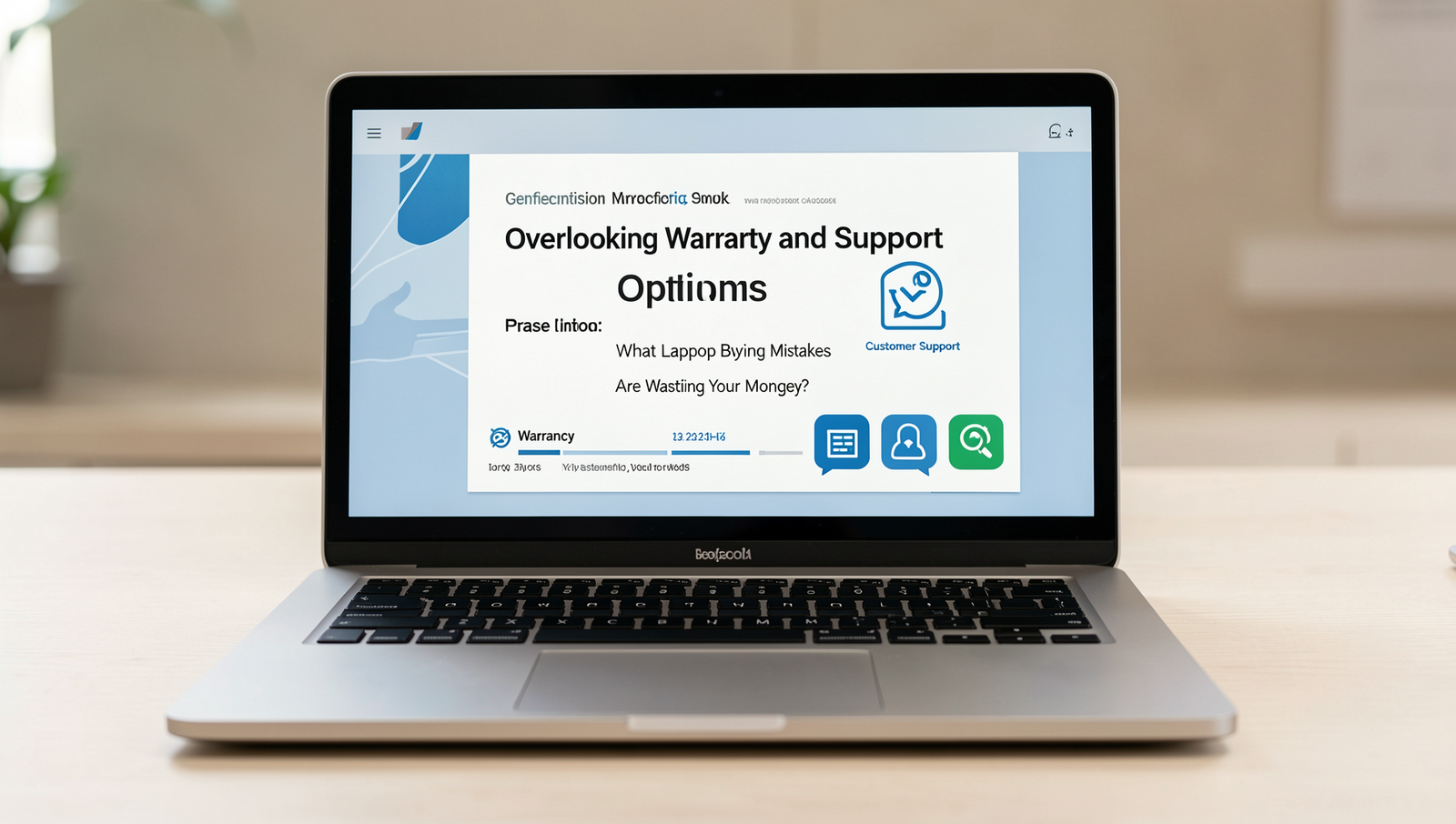
Overlooking Warranty and Support Options
One of the most significant laptop buying mistakes is overlooking the warranty and support options that come with your device. Many buyers focus solely on the specifications and price, neglecting to consider how long the warranty lasts and what it covers. A laptop with a short warranty may lead to unexpected expenses if repairs are needed shortly after purchase.
Additionally, not checking the quality and availability of customer support can be detrimental. A laptop may have excellent hardware, but if the manufacturer does not provide reliable support, users may find themselves frustrated when issues arise. Here are some points to consider:
- Warranty length: Look for at least a one-year warranty.
- Coverage details: Ensure it covers parts and labor.
- Support channels: Check if support is available via phone, chat, or email.
- Response times: Research how quickly the company responds to inquiries.
Many consumers assume that all laptops come with similar support services, which is a misconception. Different brands have varying levels of customer service. Reading reviews about after-sales service can provide insights into the experiences of other users. For example, a brand may offer a two-year warranty but have poor support, leading to more frustration than value. Always do your homework to avoid these costly laptop buying mistakes.
Conclusion
In summary, avoiding common laptop buying mistakes is crucial to ensure you get the best value for your investment. Many consumers fall into the trap of prioritizing flashy features over essential specifications, leading to dissatisfaction and unnecessary expenses. By understanding what to look for and what to avoid, you can make a more informed decision that meets your needs without breaking the bank.
Ultimately, taking the time to research and assess your requirements will save you from costly errors. Whether it’s overlooking warranty options, ignoring battery life, or failing to consider future upgrades, being aware of these laptop buying mistakes can help you choose a device that serves you well for years to come.
Frequently Asked Questions
What specifications should I prioritize when buying a laptop?
When buying a laptop, prioritize the processor (CPU), RAM, storage type and capacity, and battery life. A powerful CPU and sufficient RAM (at least 8GB) will ensure smooth performance, while an SSD will provide faster load times compared to an HDD. Additionally, consider the display quality and resolution, especially if you plan to use the laptop for graphic-intensive tasks.
Is it worth buying a laptop with a dedicated graphics card?
If you plan to use your laptop for gaming, video editing, or graphic design, investing in a dedicated graphics card is worthwhile. It enhances performance in graphics-heavy applications and provides a better overall experience. However, for basic tasks like web browsing and document editing, an integrated graphics card is usually sufficient.
Should I buy a laptop on sale or wait for a better model?
Buying a laptop on sale can be a great way to save money, especially if the model meets your needs. However, if you are looking for specific features or the latest technology, it might be worth waiting for new models to be released. Research upcoming releases and compare them to current models to make an informed decision.
