5 min read • 1,063 words
In today’s digital age, our smartphones are essential tools for communication, work, and entertainment. However, as we rely more on these devices, the risk of hacking increases. Knowing how to tell if your phone has been hacked is crucial for protecting your personal information and maintaining your privacy. This article will explore the telltale signs that your phone may have been compromised, helping you stay one step ahead of potential threats.
From unusual battery drain to unexpected crashes, there are several indicators that can suggest your phone has fallen victim to hacking. You might notice unrecognized apps appearing or changes in your settings that you didn’t make. Additionally, receiving strange texts or calls and experiencing increased data usage can all be warning signs of unauthorized access. Understanding these symptoms is vital for safeguarding your device and personal data.
Step-by-Step Tutorial
Step 1: Check for Unusual Behavior
- Monitor your phone for any unusual behavior. Look for signs such as apps crashing unexpectedly, frequent pop-ups, or a battery that drains faster than usual.
- Restart your phone. This can help determine if the unusual behavior is a temporary glitch or a sign of hacking.
- Check for unfamiliar apps. Go through your app list and remove any applications that you do not recognize or remember installing.
- Review your data usage. If you notice significant spikes in data usage, it could indicate that a malicious app is running in the background.
- Keep your operating system and apps updated to the latest versions. This helps protect against vulnerabilities that hackers may exploit.
Be cautious of clicking on suspicious links or downloading unknown apps, as these can lead to security breaches. If you identify any strange activities, consider taking further action to secure your device.
Step 2: Review Installed Apps
- Open your device’s settings by tapping on the settings icon.
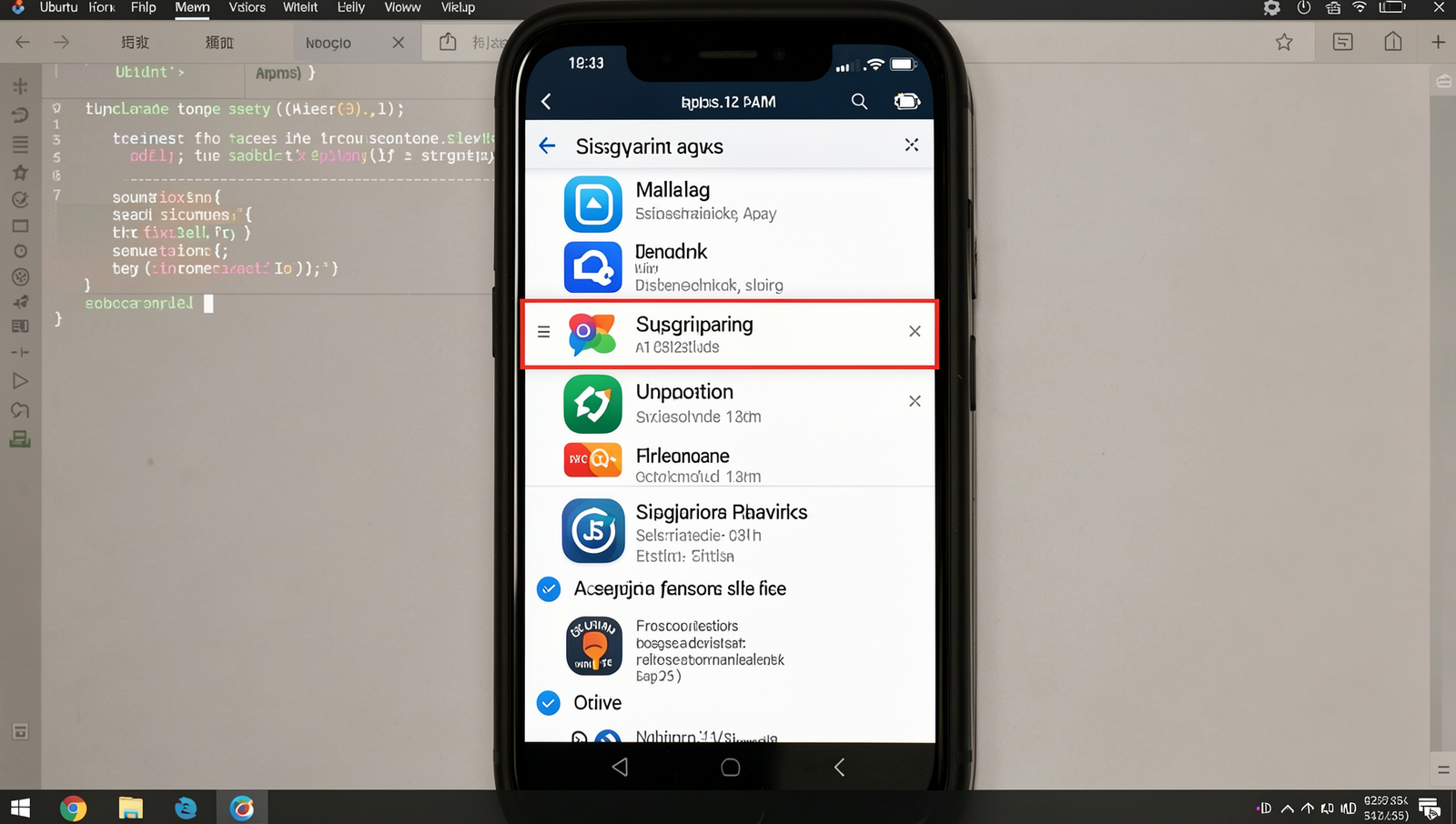
- Scroll down and select “Apps” or “Application Manager” to view the list of installed applications.
- Carefully go through the list and look for any unfamiliar apps that you do not remember installing.
- Pay special attention to apps with strange names or those that seem out of place.
- If you find any suspicious apps, research them online to determine if they are known malware.
- Consider using a reputable antivirus app to scan your device for any potential threats.
- Before uninstalling any app, ensure you verify its legitimacy to avoid removing essential applications.
By following these steps, you will have a clearer understanding of what apps are on your phone and can identify any potential security risks.
Step 3: Check Data Usage
- Open the Settings app on your phone.
- Scroll down and select Network & Internet or Connections, depending on your device.
- Tap on Data Usage to view your data statistics.
- Look for a section labeled Mobile Data Usage or App Data Usage.
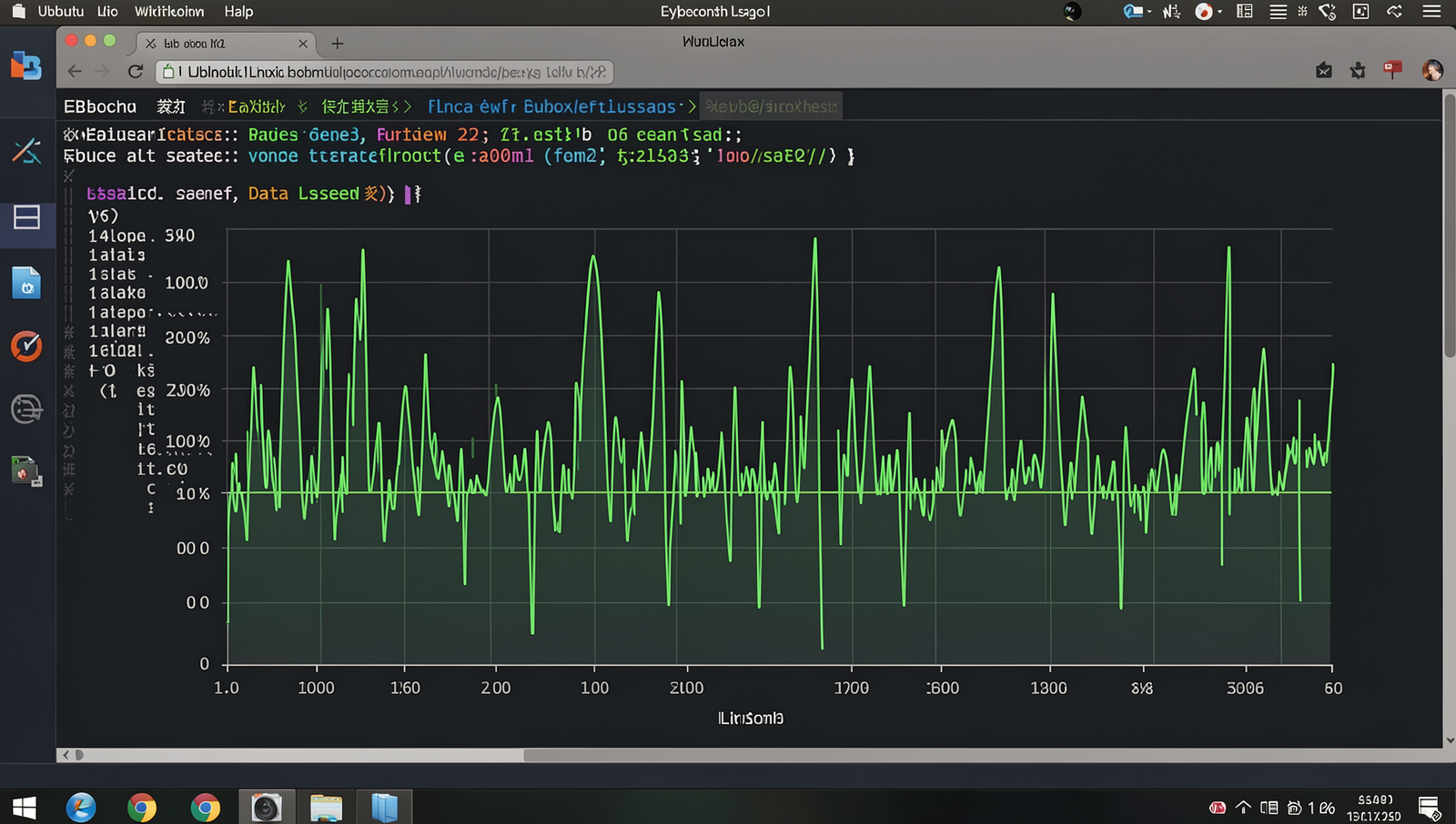
- Review the list of apps and check for any that are using an unusually high amount of data.
- Compare the data usage over the past month to identify any sudden spikes.
- If necessary, consider resetting your data usage statistics to start fresh.
Identifying apps that consume excessive data could indicate suspicious activity. However, keep in mind that high data usage can also result from legitimate app updates or increased usage. Always investigate further before taking action.
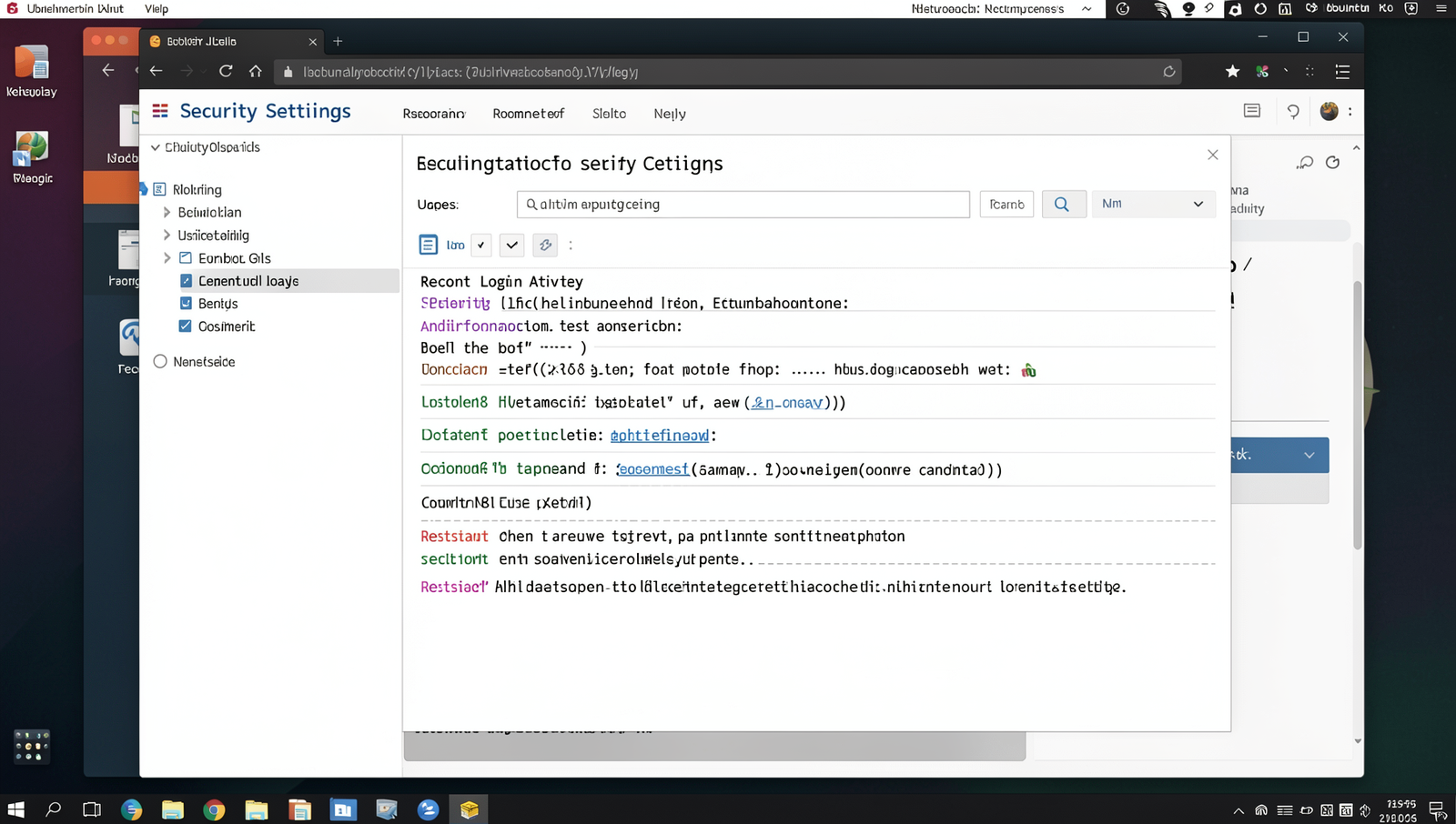
Step 4: Check for Unauthorized Access
- Log into your account settings for each of your critical accounts, such as email, social media, and banking.
- Review the list of devices that are currently logged into your accounts. Look for any unfamiliar devices or locations.
- Check for recent activity or login attempts. Most platforms provide a history of logins, including timestamps and IP addresses.
- Look for any changes made to your account settings, such as altered passwords, recovery emails, or security questions.
- If you find any signs of unauthorized access, change your passwords immediately and log out of all devices.
To enhance your security, enable two-factor authentication on your accounts. This adds an extra layer of protection by requiring a second form of verification. Regularly reviewing your account activity will help you stay vigilant against potential threats.
Warning: If you notice unauthorized access, act quickly to secure your accounts by changing passwords and notifying your service providers.
Conclusion
In today’s digital age, knowing how to tell if your phone has been hacked is crucial for maintaining your privacy and security. By being vigilant and recognizing the signs of a potential breach, such as unusual behavior, unexpected charges, or unfamiliar applications, you can take proactive steps to protect your personal information. Regularly updating your device and using security features can also help mitigate risks.
If you suspect that your phone has been compromised, it is essential to act quickly. Change your passwords, remove suspicious apps, and consider performing a factory reset to restore your device to its original state. Staying informed about the latest security threats and best practices will empower you to safeguard your phone against potential hacking attempts.
Frequently Asked Questions
How can I tell if my phone has been hacked?
If your phone is behaving unusually, such as crashing frequently, running out of battery quickly, or apps opening and closing on their own, these could be signs of hacking. Additionally, if you notice unfamiliar apps or settings changes that you did not make, it may indicate unauthorized access.
What signs indicate my phone might be compromised?
Some common signs include unexpected data usage, receiving strange messages or calls, and noticing unfamiliar accounts linked to your phone. If your phone is overheating or if you find that your contacts are receiving spam messages from your number, these could also be indicators of a compromised device.
Can I check for unauthorized access on my phone?
Yes, you can check for unauthorized access by reviewing your app permissions, checking for unknown apps, and monitoring your data usage. Additionally, you can run a security scan using a reputable antivirus app to identify any potential threats.
What should I do if I suspect my phone has been hacked?
If you suspect your phone has been hacked, immediately change your passwords, enable two-factor authentication on your accounts, and consider performing a factory reset on your device. It’s also advisable to contact your service provider for further assistance.