5 min read • 1,049 words
Are you frustrated with the constant interruptions in your internet connection? If you’ve ever found yourself asking, “Why Does Your Wi-Fi Keep Disconnecting?”, you’re not alone. Many users experience this common issue, which can be caused by a variety of factors ranging from interference from other electronic devices to the distance from your router. Understanding these elements can help you troubleshoot and improve your Wi-Fi experience.
In today’s digital age, a stable internet connection is essential for both work and leisure. However, several factors can lead to disconnections, leaving you wondering, “Why Does Your Wi-Fi Keep Disconnecting?”. Issues such as outdated router firmware, an overload of connected devices, and physical obstructions like walls can significantly impact your Wi-Fi signal strength. By identifying these potential problems, you can take steps to enhance your connectivity and enjoy a seamless online experience.
Common Causes of Wi-Fi Disconnections
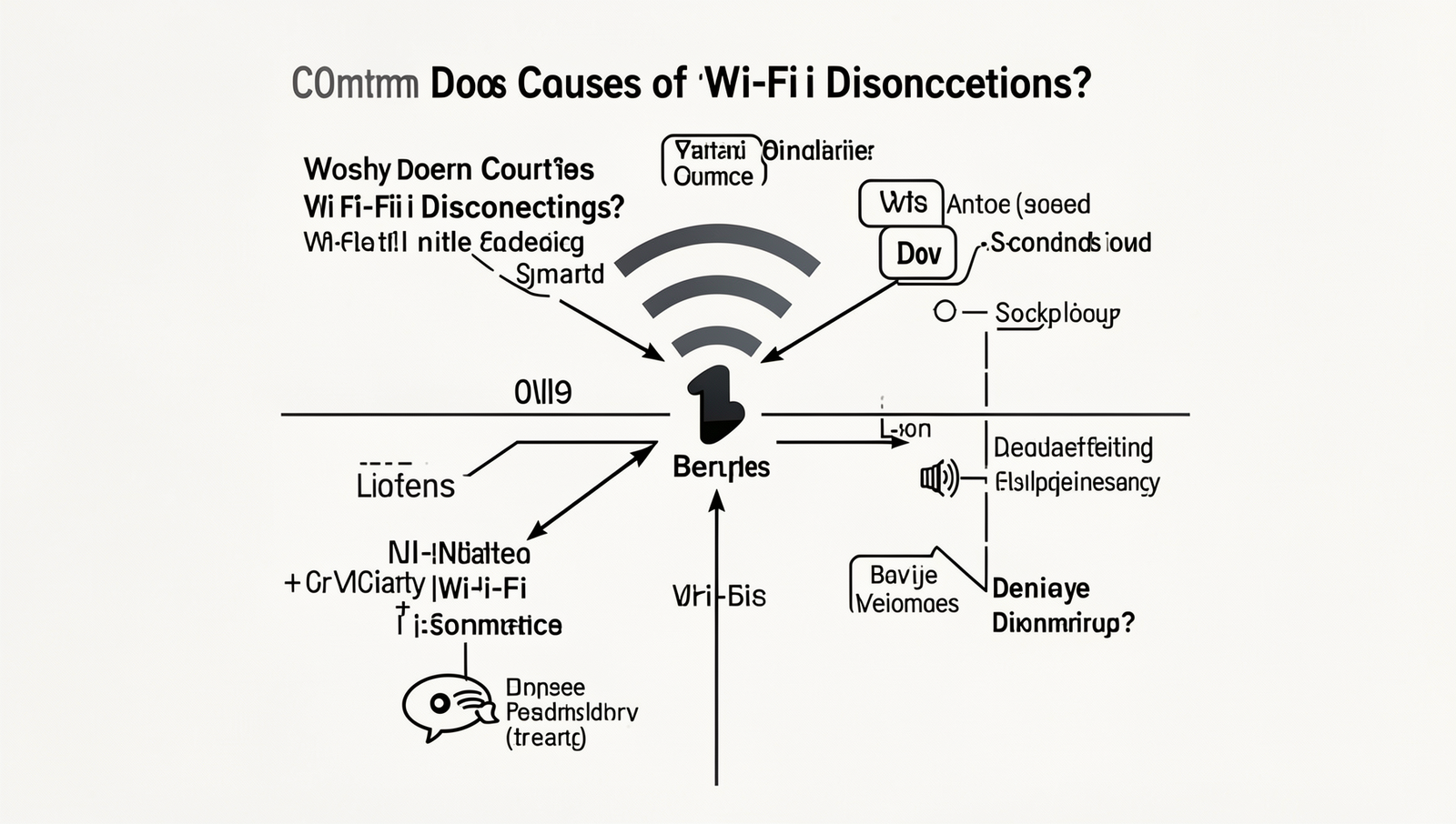
Understanding Why Does Your Wi-Fi Keep Disconnecting? is crucial for maintaining a stable internet connection. Several factors can contribute to frequent disconnections, and identifying them can help you resolve the issue effectively.
- Interference from Other Electronic Devices: Many household devices, such as microwaves and cordless phones, operate on similar frequencies as Wi-Fi. For example, when you use a microwave, it can disrupt the Wi-Fi signal, leading to disconnections.
- Distance from the Router: The farther you are from your Wi-Fi router, the weaker the signal becomes. If you’re trying to connect from a different floor or a distant room, you may experience interruptions.
- Obstructions: Physical barriers like walls, furniture, and appliances can block Wi-Fi signals. For instance, if your router is in a corner of your home and you are trying to connect from the opposite side, the signal may not reach you effectively.
- Outdated Router Firmware: An outdated router can lead to performance issues. Regularly updating your router’s firmware can improve connectivity and security.
By addressing these common causes, you can enhance your Wi-Fi experience and minimize disconnections.

Troubleshooting Steps to Fix Wi-Fi Issues
If you find yourself asking, “Why Does Your Wi-Fi Keep Disconnecting?”, there are several troubleshooting steps you can take to resolve the issue. Start by restarting your router and modem. This simple action can refresh your connection and often resolves temporary glitches. To do this, unplug both devices, wait for about 30 seconds, and then plug them back in.
Next, check for firmware updates for your router. Manufacturers frequently release updates to improve performance and security. You can usually find the update option in your router’s settings. Access your router’s interface by entering its IP address in a web browser, then navigate to the firmware section.
Another effective method is to change the Wi-Fi channel. Interference from other networks can cause disconnections. Use your router’s settings to switch to a less crowded channel. You can find channel settings under the wireless configuration section.
Finally, consider resetting the network settings on your device. This can resolve any configuration issues that might be causing the disconnections. On most devices, you can do this by going to:
- Settings
- Network & Internet
- Reset Network Settings
After performing these steps, monitor your connection to see if the issue persists. If it does, you may need to contact your Internet Service Provider for further assistance.
When to Seek Professional Help
If you find that your Wi-Fi keeps disconnecting despite your best troubleshooting efforts, it may be time to seek professional help. Persistent disconnections can be frustrating and may indicate underlying issues that require expert attention.
Here are some scenarios where consulting a professional is advisable:
- Persistent disconnections: If you’ve tried rebooting your router, changing the Wi-Fi channel, and updating firmware, yet the problem continues, it may be time to call in a technician.
- Hardware issues: If your router or modem is outdated or malfunctioning, it could be the source of your connectivity problems. A professional can diagnose and recommend replacements.
- Need for a more powerful router: If you live in a large home or have many devices connected, your current router may not be sufficient. Upgrading to a more powerful model could resolve disconnection issues.
- Service outages: Sometimes, the problem lies with your Internet Service Provider (ISP). Contacting them can help determine if there are any outages or issues in your area.
In conclusion, if you are frequently asking yourself, “Why Does Your Wi-Fi Keep Disconnecting?”, and basic troubleshooting has failed, don’t hesitate to reach out for professional assistance. It can save you time and frustration in the long run.
Conclusion
Understanding the reasons behind the question, “Why Does Your Wi-Fi Keep Disconnecting?” is crucial for maintaining a stable internet connection. Various factors such as interference from other devices, outdated hardware, or improper settings can contribute to frequent disconnections. By identifying and addressing these issues, you can significantly improve your Wi-Fi experience.
In conclusion, if you find yourself frequently asking, “Why Does Your Wi-Fi Keep Disconnecting?”, it’s essential to troubleshoot your network setup. Regularly updating your router, minimizing interference, and ensuring proper configuration can help create a more reliable connection. Taking these steps will allow you to enjoy uninterrupted internet access for all your online activities.
Frequently Asked Questions
Why does my Wi-Fi keep disconnecting?
There are several reasons why your Wi-Fi may keep disconnecting. Common causes include interference from other electronic devices, a weak signal due to distance from the router, outdated firmware, or network congestion from too many connected devices.
What can I do to fix Wi-Fi disconnections?
To fix Wi-Fi disconnections, try restarting your router, moving closer to the router, reducing interference from other devices, updating your router’s firmware, or changing the Wi-Fi channel. Additionally, consider limiting the number of devices connected to your network.
Is my device causing the Wi-Fi to disconnect?
Yes, your device could be causing the Wi-Fi to disconnect. Issues such as outdated network drivers, incorrect network settings, or hardware malfunctions can lead to connectivity problems. Ensure your device’s software is up to date and check its network settings for any misconfigurations.
What should I do if the problem persists?
If the problem persists after trying the above solutions, consider contacting your Internet Service Provider (ISP) for assistance. They can help diagnose any issues with your connection or provide further troubleshooting steps.