5 min read • 1,082 words
In today’s digital age, the threat of phishing emails looms larger than ever. These deceptive messages are designed to trick unsuspecting individuals into revealing sensitive information, such as passwords and credit card numbers. By understanding the common characteristics of a phishing email, you can protect yourself from falling victim to these scams. This article will unveil a simple trick to help you spot a phishing email instantly, ensuring your online safety and security.
Phishing emails often employ various tactics to lure recipients into a false sense of security. They may contain spelling and grammatical errors, or create a sense of urgency that prompts quick action. Legitimate companies rarely request sensitive information via email, and hovering over links can reveal a different URL than what is displayed. By checking the sender’s email address for inconsistencies or unusual domains, you can easily identify potential phishing attempts. Read on to discover how to recognize these red flags and safeguard your personal information.
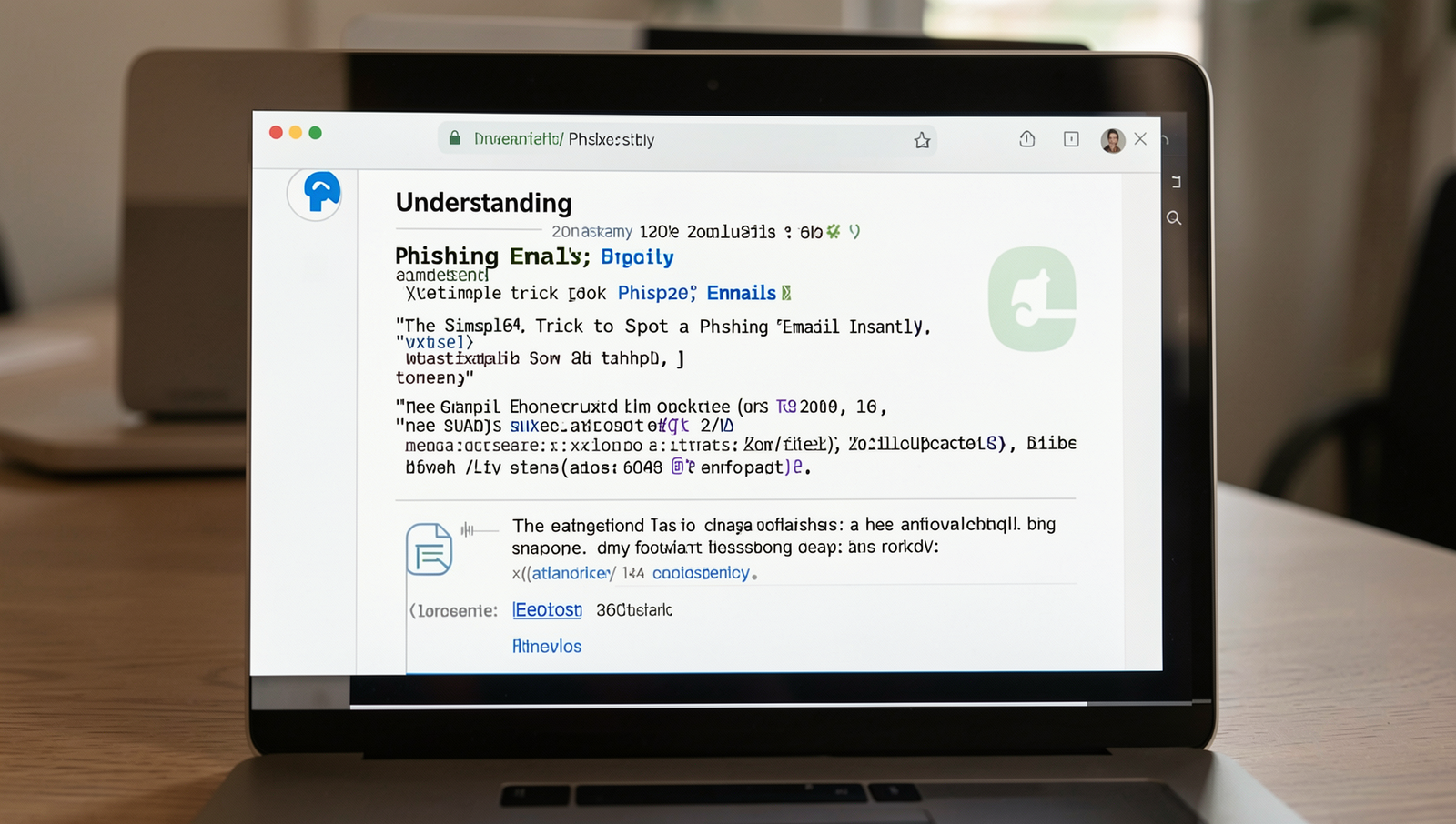
Understanding Phishing Emails
Phishing is a type of cybercrime where attackers impersonate legitimate organizations to trick individuals into providing sensitive information, such as passwords or credit card numbers. There are several common types of phishing, including:
- Email Phishing: The most prevalent form, where attackers send fraudulent emails.
- Spear Phishing: Targeted attacks aimed at specific individuals or organizations.
- Whaling: Phishing attacks directed at high-profile targets like executives.
- Vishing: Voice phishing that occurs over the phone.
- Smishing: Phishing attempts via SMS text messages.
Statistics reveal the alarming scale of phishing attacks. According to recent studies, over 90% of data breaches are linked to phishing, leading to significant financial losses for businesses and individuals alike. In 2022 alone, phishing attacks increased by 30%, affecting millions worldwide.
Recognizing the common traits of phishing emails is crucial for protection. These emails often contain:
- Generic greetings, such as “Dear Customer.”
- Urgent language that creates a sense of panic.
- Suspicious links or attachments.
- Inconsistent email addresses or domains.
Understanding and identifying these characteristics can significantly reduce the risk of falling victim to a phishing email. Awareness is the first step in safeguarding personal and financial information.
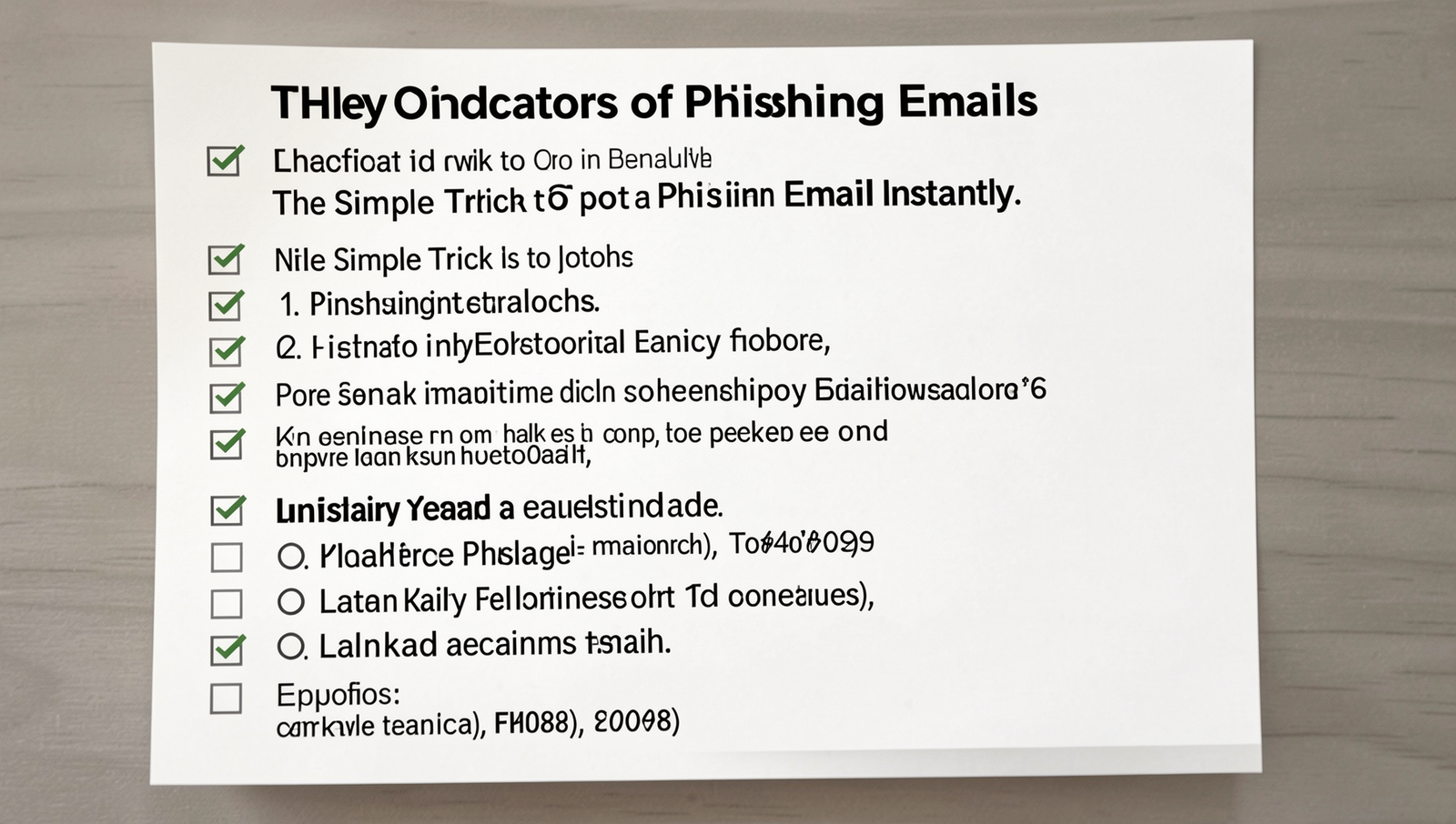
Key Indicators of Phishing Emails
Identifying a phishing email can be straightforward if you know what to look for. Here are some key indicators that can help you spot a phishing email instantly:
- Suspicious sender addresses and domains: Always check the sender’s email address. Phishing emails often come from addresses that look similar to legitimate ones but may have slight variations. For example, instead of
support@bank.com, you might seesupport@bank-secure.com. - Generic greetings and language: Phishing emails frequently use generic greetings like “Dear Customer” instead of your name. This lack of personalization is a red flag.
- Urgent calls to action or threats: Be wary of emails that create a sense of urgency, such as “Your account will be suspended unless you act now!” These tactics are designed to provoke hasty decisions.
- Poor spelling and grammar: Legitimate companies usually proofread their communications. If you notice multiple spelling mistakes or awkward phrasing, it could be a phishing email.
- Unusual links or attachments: Hover over any links to see the actual URL before clicking. If the link looks suspicious or does not match the context of the email, do not click on it. Additionally, be cautious of unexpected attachments.
By familiarizing yourself with these indicators, you can significantly reduce the risk of falling victim to a phishing email.
Best Practices to Avoid Phishing Scams
To protect yourself from phishing emails, it is crucial to adopt best practices that can help you identify and avoid potential scams. Here are some essential tips:
- Always verify the sender’s identity: Before responding to any email or clicking on links, check the sender’s email address carefully. Phishing emails often use addresses that look similar to legitimate ones but may have slight variations.
- Hover over links before clicking: By hovering your mouse over any link in the email, you can see the actual URL. If it looks suspicious or does not match the context of the email, do not click it.
- Use security software and email filters: Install reputable security software that can detect and block phishing attempts. Additionally, configure your email filters to catch suspicious messages before they reach your inbox.
- Educate yourself and others about phishing: Stay informed about the latest phishing tactics. Share this knowledge with friends and family to help them recognize phishing emails.
- Report suspected phishing attempts: If you receive a phishing email, report it to your email provider or the appropriate authorities. This helps improve security for everyone.
By following these practices, you can significantly reduce the risk of falling victim to phishing scams and protect your personal information.
Conclusion
In today’s digital age, the threat of a phishing email is ever-present, making it crucial for individuals to stay vigilant. By understanding the common signs of phishing attempts, such as suspicious sender addresses, poor grammar, and urgent calls to action, you can significantly reduce your risk of falling victim to these scams.
Implementing the simple trick of verifying the authenticity of emails before clicking on links or providing personal information can save you from potential financial loss and identity theft. Always remember to trust your instincts and take a moment to scrutinize any email that seems off, as this small effort can go a long way in protecting yourself from phishing attacks.
Frequently Asked Questions
What is a phishing email?
A phishing email is a fraudulent message that appears to be from a legitimate source, designed to trick recipients into revealing sensitive information such as passwords, credit card numbers, or personal details. These emails often contain links or attachments that can compromise your security.
How can I identify a phishing email?
To identify a phishing email, look for several key indicators: check for poor spelling and grammar, verify the sender’s email address, be cautious of urgent language that pressures you to act quickly, and avoid clicking on suspicious links or downloading attachments. Legitimate organizations typically do not ask for sensitive information via email.
What should I do if I receive a phishing email?
If you receive a phishing email, do not click on any links or download attachments. Instead, report the email to your email provider and delete it. If you have already clicked on a link or provided information, change your passwords immediately and monitor your accounts for any suspicious activity.